
Skip to content
View in the app

A better way to browse. Learn more.

Sonic-Hardcore

A full-screen app on your home screen with push notifications, badges and more.

To install this app on iOS and iPadOS
  1. Tap the Share icon in Safari
  2. Scroll the menu and tap Add to Home Screen.
  3. Tap Add in the top-right corner.
To install this app on Android
  1. Tap the 3-dot menu (⋮) in the top-right corner of the browser.
  2. Tap Add to Home screen or Install app.
  3. Confirm by tapping Install.

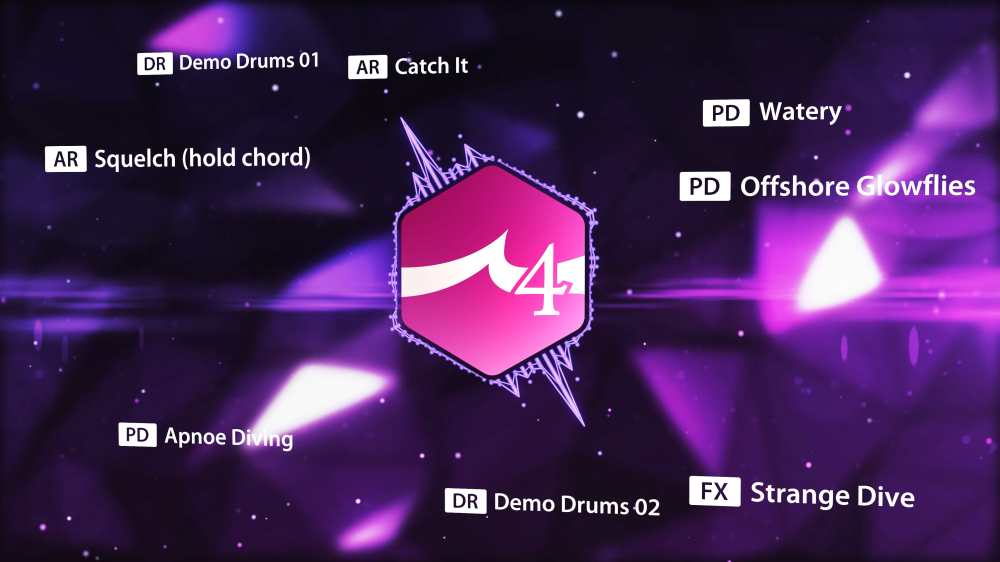
ReFX – Bigtone Signature 4 (Nexus 5 Expansion) 1.0.0

1 Screenshot

Year/Release Date : 12/13/2024
Developer : reFX
Developer’s website : reFX
Format : SOUNDBANK
Compatibility : N4|N5


Description :
Deafening!
Looking for powerful tones that sound rich and complex? Look no further.
Created by leading sound designer Nico Herz, Bigtone Signature 4
is more advanced and stunning than ever before.
If you’re looking for unique pads, leads, basses, effects and other sounds
that stand out from the crowd, this is for you!


Installation :
• Move the NKS, Presets, Samples folders to the directory with your Nexus Library
extensions • Copy the file with the .svg extension to the directory:
WIN: C:\Users\Username\AppData\Roaming\reFX\cloud\cache\images
MAC: Users/Your username/Library/Application Support\reFX\cloud\cache\images


User Feedback

Recommended Comments

There are no comments to display.

Create an account or sign in to comment

Account

Navigation

Search

Search

Configure browser push notifications

Chrome (Android)
  1. Tap the lock icon next to the address bar.
  2. Tap Permissions → Notifications.
  3. Adjust your preference.
Chrome (Desktop)
  1. Click the padlock icon in the address bar.
  2. Select Site settings.
  3. Find Notifications and adjust your preference.