
Release Date: August 7, 2026
Version: 2026
Developer: Yamaha Guitar Group
Developer Website: https://yamahaguitargroup.com/
Format: STANDALONE, VST, VST3, AAX
Bit Depth: 64-bit
Crack: Included
System Requirements: Windows 10
1.57 GB
Description:
Yamaha Guitar Group, Inc. is dedicated to providing the best products for guitarists across several distinct brands: Yamaha®, Line 6®, and Ampeg®, as well as Córdoba Music Group brands: Córdoba® and Guild® guitars, HumiCase® instrument cases, and DeArmond® pickups.
Included:
Ampeg SVT Suite v1.12
Line 6 Helix Native v3.82
Line 6 Helix Stadium Native v1.3.3
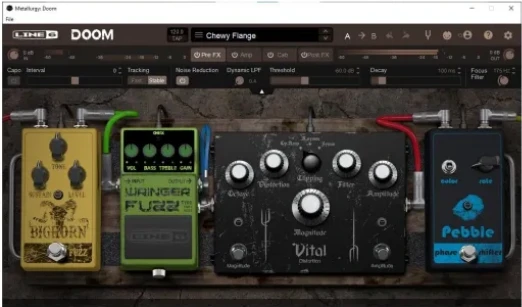
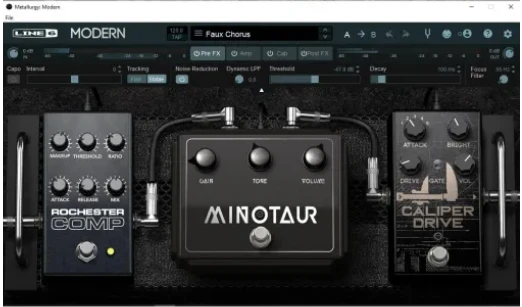
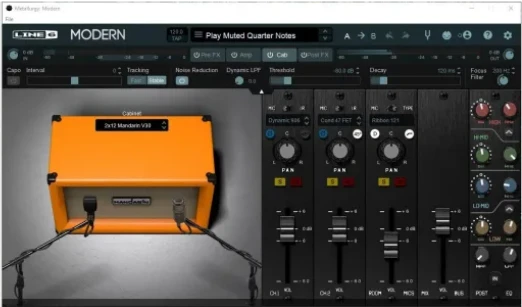
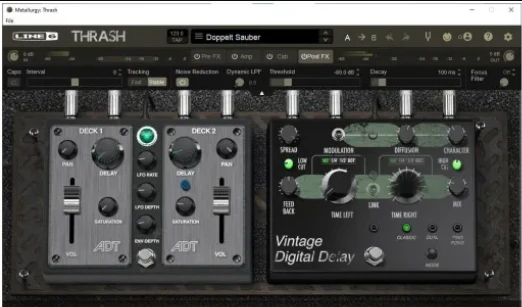
Line 6 Metallurgy Collection v1.03
New keygen, network access blocked, latest Inno 7 x64-based installers
Updates will, of course, be released separately!
R2R:
Line 6 / Ampeg Release
Before installation
Remove the previous version.
If necessary, clear the “%APPDATA%\Line 6\” folder.
Old license filename (V1): Purchase.dat
Current license filename (V2): PurchaseV2.dat
Blocking automatic callbacks
If you use the AAX plugin, block access to “line6.com”.
Otherwise, you will lose your license.
Installation
Install the software.
If you use the standalone version, you will need to install the VST3 version as well.
Run our program before use.
Enjoy!
TEAM R2R 2026
Requires “TEAM R2R System v1.5.1”
New keygen, network access blocked, latest Inno 7 x64-based installers
Updates will, of course, be released separately!
-
 1
1
Recommended Comments
Create an account or sign in to comment