
Year/Release Date: 24.07.2025
Developer: reFX
Developer’s website: reFX
Format: SOUNDBANK
Compatibility: N5Nexus Extension
1.13 GB
Description :
Lose Yourself
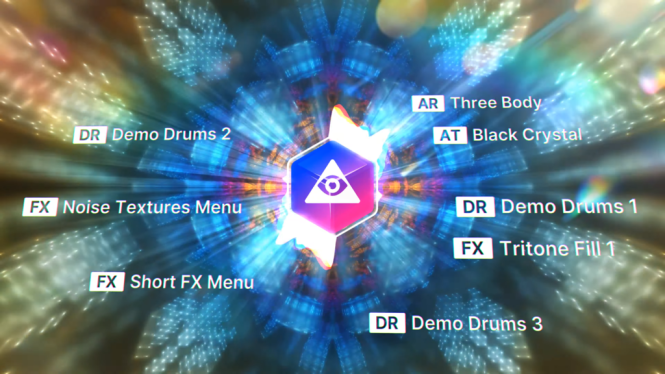
Dive into the depths of hypnotic techno, where time dissolves and the rhythm becomes your guide.
Designed for producers who crave tension, atmosphere and drive, this add-on combines rolling bass,
capricious synths and enchanting grooves, creating a sound that captivates and captivates.
Hypnotic Techno offers the tools to captivate minds and move bodies.
Sit back and let Hypnotic Techno take control – from evening entertainment to deep introspective journeys.
Installation :
• Move NKS, Presets, Samples folders to the directory with your Nexus Library extensions
• Copy the file with the .svg extension to the directory:
WIN: C:\Users\Username\AppData\Roaming\reFX\cloud\cache\images
MAC: Users/Your username/Library/Application Support\reFX\cloud\cache\images
Recommended Comments
Create an account or sign in to comment